The art of picture book illustrations is the art of visual storytelling. Whether your book is released as a traditional hardcover, a sleek paperback, or a vibrant digital edition, the core principles remain the same. Each format brings its own considerations, but the heart of illustration never changes. It connects a child’s imagination to the world on the page.
From enchanting picture book spreads that capture a toddler’s attention to interactive visuals designed for digital readers, illustrations shape how young audiences experience a story. They create mood, build character, and turn simple words into unforgettable adventures.
In this blog, we will explore how to create memorable children’s book illustrations for both print and digital formats. You will discover practical guidance, clear step-by-step directions, and creative techniques that help transform ordinary scenes into captivating visual experiences.
Understanding the World of Children’s Book Illustration
The drawings made on children’s books are particular in many aspects; therefore, the first step that should be taken in creating the illustrations is to understand what renders them particular. Illustrations for children’s books are storytelling devices as opposed to those of adults. Their feelings are expressed, attention is managed, and the young readers are involved in the story. Learning How to Create Illustrations for a Book helps authors and artists design visuals that truly connect with children and enhance the narrative experience.
The significant disparities between a digital book and a hardcopy book are:
- Hardcopy Books: It is important that print colors, page size, and texture be given a lot of consideration. Illustrations should be bright on paper, but clear when scanned or printed.
- Digital Books: Provide interactive aspects, animation opportunities, and back-lighting features. Colors can be displayed more brightly on the screens, and you may work with layers and movement.
Being aware of what medium will ensure that your illustrations will make a difference, whether you are in print or not.
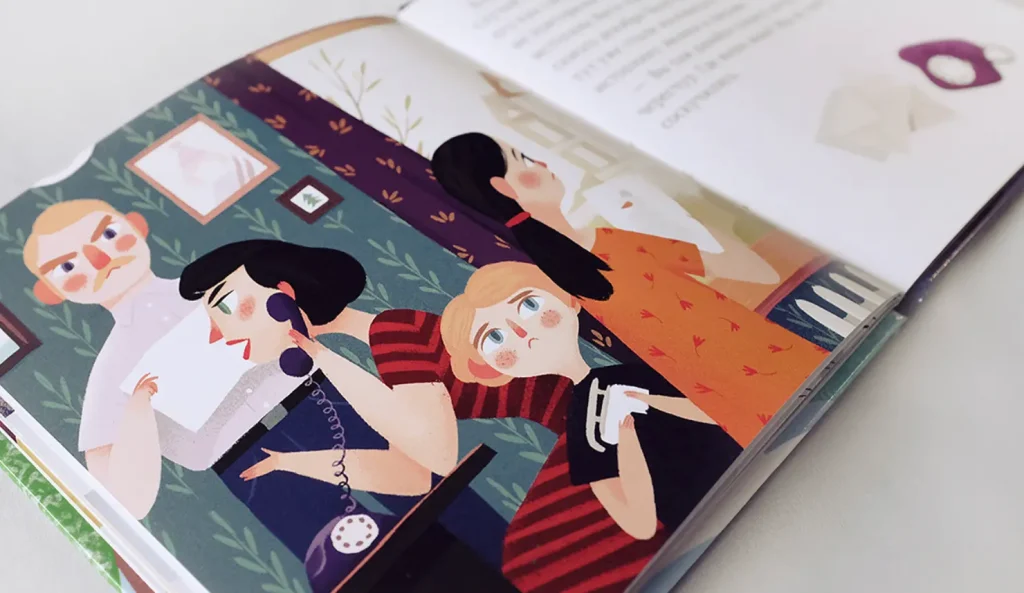
Step-by-Step Guide to Drawing
Picture book illustrations are a planning and patience process that culminates in a work of great success. Here’s how to get started:
Read and Analyze the Story
Begin by fully immersing yourself in the narrative. Read it more than once. Understand the tone, rhythm, emotional highs, and quiet moments. Identify the key scenes, defining character traits, and turning points that deserve strong visual emphasis. Illustrations should not simply repeat the text. They should deepen it, add layers, and highlight emotions that words alone may not fully express.
Develop Engaging Characters
Create animated faces and silhouettes of characters. Exaggeration assists children in associating feelings. Test shapes, sizes, and gestures. Keep in mind, with print, it is all about the impact, whereas with digital, there is a possibility of animation.
Character Design that Connects
Children relate to characters that are real, even when they are talking to teapots. Focus on:
- Emotional eyes that express themselves.
- Body language that corresponds to the personality of the character.
- Similar proportions in the book.
- Characters can be distinguished by their silhouettes even when in the shadows.
Keep in mind that you will have dozens of appearances of your characters in a book. They should be easy to draw in and difficult to get bored with.
Layout and Composition
Plan illustrations in picture books using thumbnails or storyboards. Determine the arrangement of the characters, props, and text. In the case of digital books, think of navigation and interactive hotspots. In print, consider page flow, gutter spacing, and visual balance.
Choose Colors Strategically
Color influences the mood, attention, and understanding. Bright, contrast shades are appealing and attractive to toddlers, whereas pastels help to provide calming bedtime moods. Electronic drawings are more vivid on computer monitor screens, and printed colors might have to be specified using CMYK.
Sketch and Refine
Start with rough sketches. Pay attention to composition, proportion, and narrative as opposed to perfection. Progressively sharpen lines, details, and textures. Developments in digital tools can be easily revised; traditional media might demand close planning or layering.
Add Details Thoughtfully
Textures, patterns, and shadows create depth. Avoid overcrowding pages. With e-books, you are able to make it layered or do little animations, which also provide the reader with an additional level of interest.
Final Review
Make every illustration readable and appropriate to the tone of a story. Print out proofs or create computer mockups to ensure that the colors are accurate, legible, and attractive.
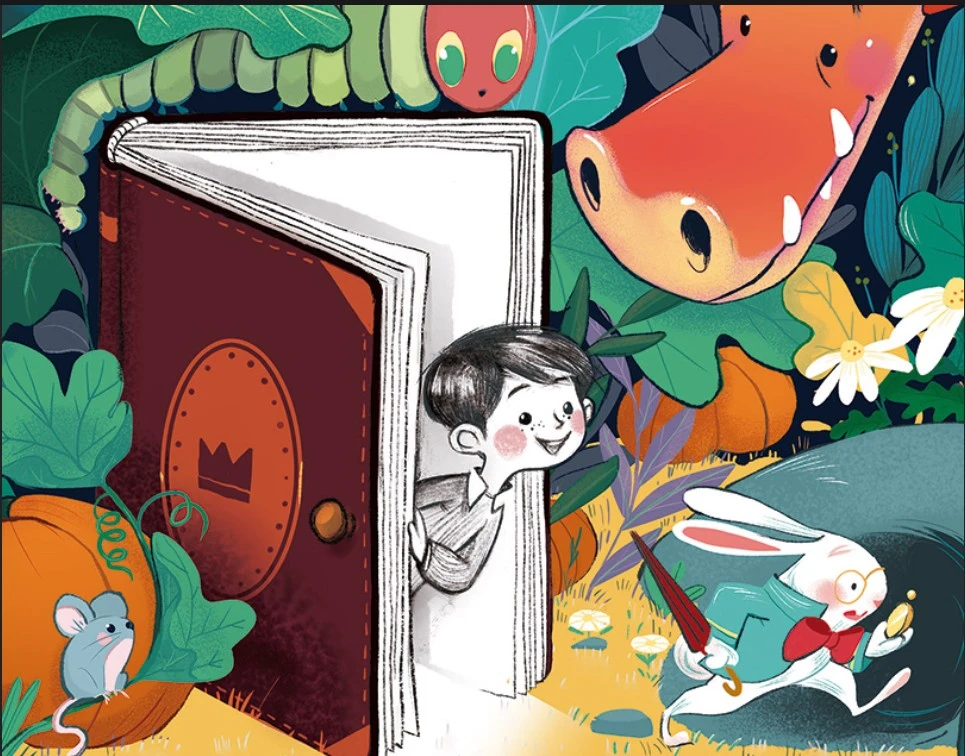
Style Tips for Both Formats
No matter what medium you use, some stylistic rules will keep your work in people’s memories:
Expressive Faces:
Kids emotionally relate to expressions of emotions expressed in the faces, gestures, and responses, and as such, they become aware of the feelings of characters and events in the story.
Dynamic Poses:
The incorporation of movement and fluidity to the characters and objects gives each illustration energy, excitement, and the feeling that it lives.
Consistent Visual Language:
The consistency in the character design, the background, colors, and props creates a homogenous experience throughout the whole book.
Story-driven Details:
All the elements of the visual nature should support the storyline, explain the plot or emphasize emotions, instead of being a useless decoration.
Medium-specific Adaptation:
Digital drawings are able to incorporate interactivity or animation, whereas print is dependent on composition, page flow, and readable visual effects.
The use of these tricks will make your drawings popular among children on the screen and on paper.
Digital v. Hardcopy Illustration Considerations
Media implies its own problems and benefits:
| Aspect | Hardcopy | Digital |
| Color | Must account for print limitations (CMYK) | Vibrant RGB colors; easily adjusted |
| Detail | Simple, bold shapes work best | Layering allows intricate effects |
| Interaction | Page turns only | Animation, sound, and clickable elements |
| Revision | Hard to correct mistakes | Easy to edit and undo |
| Production | Requires scanning and print setup | Direct output for e-books or apps |
The knowledge of these differences will ensure your illustrations perform well.
Common Mistakes to Avoid
Even the older illustrators can err. Avoid these pitfalls:
Overcrowding Pages:
Too many characters, objects or background images may overburden young readers and make the main story distracting to look at and to be attracted to.
Inconsistent Style:
The transition of illustration style, quality of line, or color palette between the middle of the book breaks the reader’s attention and reduces the overall book’s visual unity.
Ignoring Age Appropriateness:
Examples that are over-detailed, abstract, or complicated might be confusing to the children; in any case, match visual complexity with the intended age.
Neglecting Medium Requirements:
eBooks and print books do not have the same resolutions, color settings, and formats. Facing these may result in low-quality and boring drawings.
Weak Story Integration:
Illustrations must not only decorate but also support the story. Eschew images that are not advancing the plot or character.
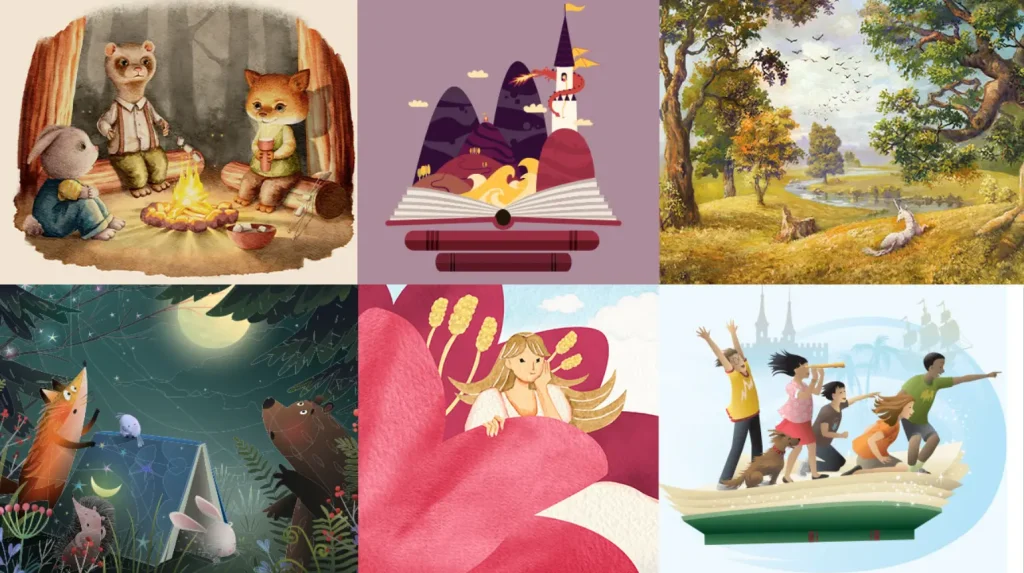
The End Note!
Illustrating a children’s book is one of the most rewarding creative journeys, whether your work appears on printed pages or a digital screen. With expert design support from Oxford Classic Publishers, your ideas are sure to grow into well-weaved visual stories that captivate young readers.
FAQs!
Can I use the same illustration style for digital and print?
Yes, you can maintain the same illustration style, but adjust resolution, color profiles, and layout dimensions to meet print specifications and digital screen requirements.
What tools work best for printed children’s books?
Watercolors, gouache, ink, and colored pencils produce beautiful print results, especially when paired with high-quality scanning and careful color correction before final production.
How do I make illustrations interactive for digital books?
Incorporate subtle animations, layered elements, and tap or swipe features that enhance storytelling while keeping the experience smooth, simple, and engaging for young readers.
How important is color selection for both formats?
Color strongly influences mood and attention, so always test artwork in both CMYK for print and RGB for screens to maintain consistency.
Can beginners create children’s book illustrations for both formats?
Yes, with practice, observation, and the right digital tools, beginners can develop professional-looking illustrations suitable for both printed and digital children’s books.

 +1
713-396-2252
+1
713-396-2252